Do you want to enrol your kid in a coding class but are unsure where to enrol them? Are you confused about the action you must take? In this case, many factors come into consideration. Read on to learn about the 6 things you must take a look at before determining the suitable computer coding classes for your kids.
Table of Contents
ToggleType of Classes (Personalised/Group)
If you’re searching for a coding class for your kid, the first thing you’ll need to look at is the nature of the classes. This includes the classes’ duration, the class topics (Python, Java, or any other coding language), and whether the classes are 1:1 personalised or group classes.
While group classes help students interact with each other and learn new concepts from them, 1:1 classes or personalised classes help students get the personalised attention they need. Students who receive personalised attention can easily clarify their doubts, enabling them to use their knowledge of coding concepts to create student projects much quicker.
Age of your child
When you decide to enrol your kid in a coding class, it is not just the type of program, like robotics or Java, that must be considered. Your child’s age is also an essential factor that you cannot miss. For example, a young child interested in the game development field may learn with MIT Scratch Junior. However, a kid with significant knowledge of simple website development may learn advanced website development with JS Animations.
Faculty/Mentors
When teaching coding to kids, the mentor or the person instructing the kid must be the right choice. The mentor must be able to teach the kid concepts in a way that helps break complex information and teach it in an interactive, engaging way. In addition, kids may take more time to understand new concepts than adults; hence, it is the mentor’s responsibility to ensure they are patient with the kid.
The ideal coding class for your kid may use quizzes, pictures, and multiple examples to teach coding to kids. The use of visuals may attract kids, making them interested in coding.
Student Projects
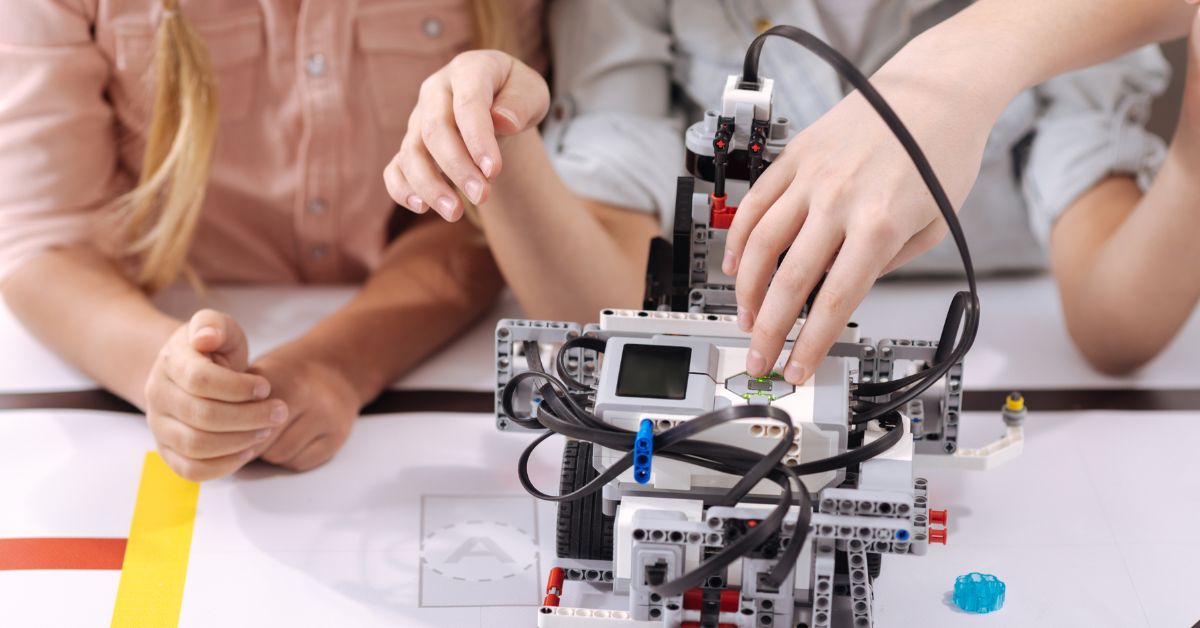
The best example of a successful coding class is when the kids who have learned coding can create something wonderful using their knowledge. For example, kids may be able to create games, build aesthetic websites, or robots with multiple functionalities using their knowledge.
Flexibility and Convenience
When kids decide to learn coding, they may need to learn on their schedule. Hence, kids may opt for a program that offers multiple batches when they can study and choose a program where they have a choice related to the time when they wish to learn coding. For example, one kids’ school timings may be till 1 pm, and another kid’s school timings may be till 2 pm. Here, the former kid may opt for the class that commences at 1:30 pm the latter kid may opt for the course that starts at 3 pm.
Type of Instruction (Online/Offline)
Depending on your child’s individual preference, you may either opt for an online or an offline program for your kid. Here, if your child believes face-to-face interaction with faculty and other students is essential for their success, they should opt for offline classes. On the other hand, if your kid feels that they will benefit from the ability to access coding language classes anytime and from any location, they can opt for online coding classes.
Now, you must’ve understood better what factors you must look at before enrolling your child in a computer coding class for kids. If you enjoyed reading this blog, you can also check out our blog, ‘’How to discover the best coding program for your kids.’’