We all live in this digitalized world, where digital platforms surround us from every corner, as every industry is shifting towards smarter and technology-oriented methods. This gives rise to the thought that in future we might be seeing a greater demand for computers and software, accompanied by software engineers and programmers.
The next-generation programmers are today’s young children, it’s time for us to prepare them for the future. Coding does not only help in developing programming basics but it also introduces your kid to real-world problem-solving issues, logical reasoning, creative processes, maths and helps in nurturing many more skills.
All these skills will help your kid in every sector that he/she chooses for the future as these skills are not confined to only programming.
But how can we help these kids to become the next-gen programmers? This is a frequently asked question now let’s adhere to it concerning the points being mentioned below:
Introduce them to the computer
A computer has become an essential object in all of our lives, so introduce your kids to a computer and walk them through the programming processes. Make the kids familiar with the computer if they are not to understand the various functionalities.
Don’t let age be a judging factor, if your kid is interested introduce them to other programs too.
Encourage playtime
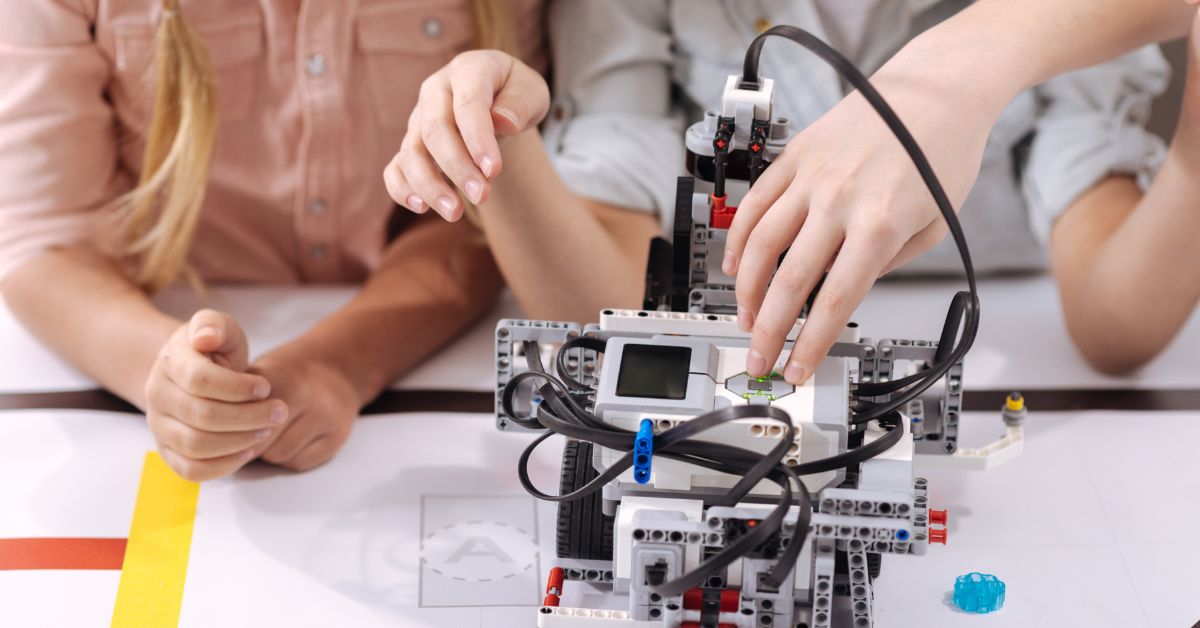
STEM( Science, Technology, Engineering, Mathematics) provides your kid with many toys to grasp the fundamentals of coding. Interested kids can utilize them to the fullest. In these ways, they are introduced to the basics of programming.
Fisher-Price and Code-a-Pillar toy are some examples where a kid can code and reassemble the detachable parts of a toy and move them in various directions. There are many toys like Code ‘n’ learn Kinderbot, little bits etc.
Apps
Young kids are familiar with tablets and phones, which are engaging and fun but many people may not be aware of the number of apps available at their doorstep to teach their kids coding. These apps teach kids the fundamentals of coding.
Kids should be allowed to be on the phone but with restricted screen time and during this time they can play with these apps. Some examples are Codespark, Coding Safari for kids and Kodable. These apps present the basics of coding in a fun and creative way to keep the audience involved.
Board Games
There are plenty of other areas where you can play and learn coding not only through mobile apps, computer software and toys. You can play board games with a coding concept like the “Mouse Trap”.
There are plenty of other games too like “Programming Logic game”, “Prime club” and many more. Toys like “Code and Go’s Robot Mouse Activity Set” or “Primo’s Cubetto” are board games too which a group of children too.
Motivate Interactive Learning
There can be many parents, teachers and guardians who might not know about coding but they need not worry as there are plenty of online apps, online learning programs and other sources which can help their kids. Some of these online interactive programs can even reward them with certificates.

Courses can be available on Udemy, Tynker, Sylvan learning and many more. “CodeMonkey” is another platform that teaches kids innovatively and engagingly. “CodingZen” is another platform that teaches kids coding from a young age and develops their creative side.
High-lighten the Core Traits
Programming is not just about writing codes anytime and every time. Programming involves correcting the previous code, identifying security vulnerabilities, searching the bugs, designing databases and much more. Developers and programmers are constantly correcting and re-writing various codes that are not even their own.
A/B testing is a way to stress-test programs, websites and channels. You create 2 different versions of an interface, design, app or website to check which one is better. Many companies today use this split-test technique for minor details to major ones.
Provide a Mentor
It is always advised to provide a mentor to all the kids who show consistent interest and excel in the fields that they have just started discovering. A mentor should be someone who is a pro in the field of development (here the reference is for coding) so that he/she can impart the knowledge to your kid which is found in no textbook or app.

This approach of learning is an appropriate one for teens and children, as they will have someone to adhere to their tiniest seed of doubt too. This may or may not require capital as it depends on the professional.
What about a Code Club?
As there are different clubs for hobbies, there are coding clubs too that meet up, discuss, form different opinions on code, advise people, talk through their current projects etc. The various members of this group help each other, provide guidance and share their experience and knowledge. Parents and teachers can introduce the kids who are interested in these groups as they would learn from a different environment than school or their phones.
If there are no such clubs available you can create one by yourself, although it may be time-consuming to gather like-minded people it will be worthwhile.
Be Creative
To develop something you need to be creative, which you can be using languages and frameworks. Be creative with your kid and develop that trait in them. Build buildings, shapes with LEGOs, some artwork, some coding work. Just be with your kid and help them to enhance and sharpen their innovative side.
Conclusion
We need to develop the traits and skills in the kids first and then teach them according to their interests. Start teaching them from the lowest level, the fundamentals. All of the above-mentioned activities will introduce your kid to the basics and familiarize them with the necessary traits. Don’t force your kid in pursuing something that their mind and body don’t encourage. Support and motivate them.