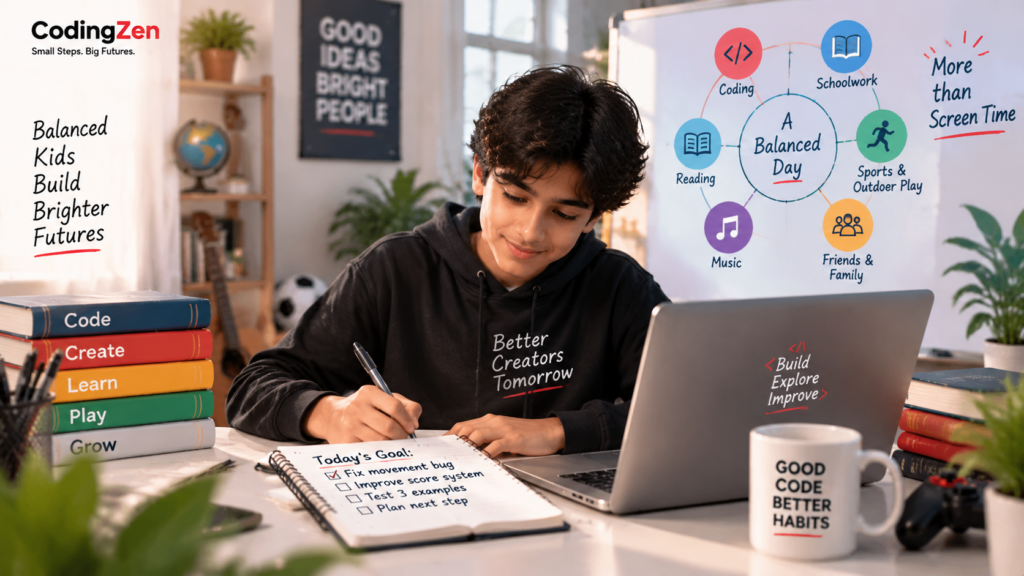
This is one of the most useful questions for any screen activity. Coding may be beneficial, but if it consistently replaces sleep, outdoor movement, schoolwork, family interaction or other interests, the schedule needs adjustment.
A child who loves a project may want to continue late into the evening. Parents can respect the enthusiasm while setting a stopping point. Save the work, write the next step and return later. This teaches project management as well as self-regulation.
Crowding out can also happen emotionally. A child may avoid a difficult offline task by calling coding “educational.” Productive labels should not become loopholes.
A balanced week includes different kinds of effort and rest. Coding can sit alongside sport, music, reading, unstructured play and time with friends. The objective is not to maximise technical hours; it is to support sustainable curiosity and development.
The importance of a clear purpose
Open-ended screen use tends to expand. Purpose creates a natural boundary.
Before a coding session, the child can state a small goal: finish the scoring system, fix one movement bug, design the home page or test three examples. The goal should be achievable within the available time. When it is complete, the student can stop or choose one short extension.
For younger children, the teacher or parent may write the goal on paper. Older students can keep a simple project log with “today,” “problem,” “change” and “next step.”
Purpose also helps parents distinguish effort from wandering. A child may spend twenty minutes reading documentation because it supports the project. Another may switch between unrelated tabs and lose focus. The question is whether the activity serves the stated goal.
This habit prepares students for larger projects. Professional work also depends on defining what “done for today” means.
Healthy breaks and physical setup
Coding often produces intense concentration. That can be satisfying, but the body still needs movement, hydration, varied focus and a suitable workstation.
Set up the device at an appropriate height where possible. Encourage the child to sit comfortably rather than curl over a phone. For longer sessions, use brief movement and eye-focus breaks. The exact rhythm can vary, but the child should not remain rigid for several hours.
Avoid placing regular coding sessions immediately before sleep if the activity makes the learner highly alert. Finish with enough time to close the project and transition.
Breaks should not be framed as punishment or a sign that the child lacks dedication. They are part of effective work. A student who records the next step before leaving can return without losing momentum.
Communication changes the quality of screen use
The most valuable parent action may be conversation rather than surveillance. Ask what the child is building, not only how long they were online. Ask what went wrong and how they solved it. Invite them to teach you one idea.
This shows interest without taking control. It also gives parents clues about the course. A child who can discuss choices is likely participating actively. A child who repeatedly says, “The teacher did it,” may need more ownership.
Families should agree on device rules together when age-appropriate. Discuss where devices are used, which platforms are allowed, how public sharing works and what information must remain private. Rules are easier to follow when the reasoning is clear.
Parents should model the same habits. Constant notifications and divided attention make it difficult to persuade children that screens have boundaries.