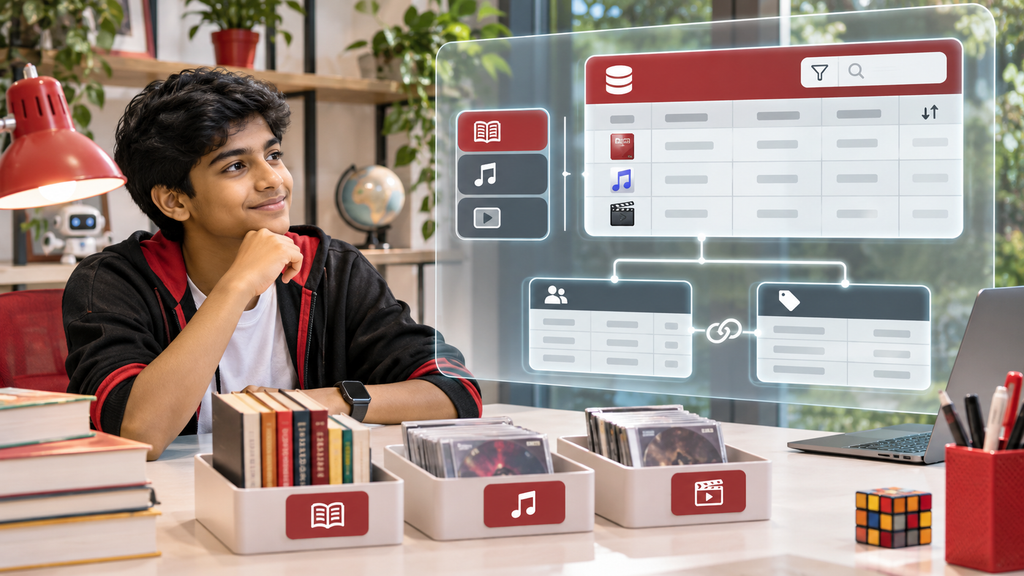
Imagine your child creates a reading tracker that records every book they finish. It stores the book’s title, author, reading date, and personal rating.
After adding 50 books, they want to find every mystery novel they rated five stars.
How does the application remember all that information and find exactly what they need?
The answer introduces an essential concept in computer science: databases.
Understanding a database for kids helps children discover how applications store, organise, retrieve, and update information. It also introduces an important side of programming that goes beyond writing instructions or designing screens.
What Is a Database for Kids?
A database is an organised collection of information that a computer system can store, manage, and retrieve.
Think of a school library.
Every book has information associated with it, including its title, author, category, and availability.
A digital library system needs a way to organise these details so someone can search for a book or update its borrowing status.
A database helps make this possible.
Unlike a simple collection of unrelated notes, databases are designed to manage information systematically.
For young learners, understanding this purpose matters more than memorising technical definitions.
How Do Databases Work?
One beginner-friendly way to understand database basics for kids is through tables.
A relational database can organise information into rows and columns, much like a spreadsheet.
Consider a simple book database:
| Book ID | Title | Category | Rating |
|---|---|---|---|
| 101 | Moonlight Mystery | Mystery | 5 |
| 102 | Planet Explorer | Science | 4 |
| 103 | Secret Island | Adventure | 5 |
Each row represents one book.
Each column describes a particular characteristic.
The Book ID provides a unique identifier for each record.
If a student wants to find all books with a rating of five, a database application can search the relevant records and return matching results.
Four Important Database Operations
Most beginner database activities can introduce four fundamental operations:
- Create: Add a new book to the collection.
- Read: Display books matching a search.
- Update: Change a book’s rating.
- Delete: Remove an unwanted record.
Together, these operations are commonly called CRUD.
Children can understand these actions through practical examples before learning the programming commands behind them.
Where Do Children Encounter Databases in Everyday Life?
Databases support many familiar digital experiences.
Online Shopping
Shopping platforms use databases to manage information such as product descriptions, prices, inventory, and orders.
When someone searches for a particular product, the application retrieves relevant information from its systems.
School Management Systems
Digital school platforms may use databases to organise assignments, attendance records, timetables, and learning resources.
Music Applications
Music services use databases to manage information about songs, artists, albums, and playlists.
A child searching for songs by a particular artist is interacting with an application that retrieves organised information.
These examples help students understand why information management is an important part of software development.
How Can Children Start Learning Database Concepts?
Learning databases does not need to begin with complicated software.
A gradual approach allows children to understand the underlying ideas before introducing technical tools.
Step 1: Organise Information Without Coding
Ask your child to create a collection of favourite books, sports equipment, or household plants.
They can record relevant details in a simple table.
Next, introduce questions:
Which items belong to the same category?
How can we identify an individual record?
What happens when information changes?
This develops an understanding of consistent data organisation.
Step 2: Practise Sorting and Filtering
Once a collection has enough records, encourage children to sort information alphabetically or filter it by category.
For example, a plant collection might include sunlight requirements and watering frequency.
Students can then identify plants that share particular characteristics.
This introduces the idea of retrieving useful information from a larger dataset.
Step 3: Connect Information to a Program
Students with some programming experience can develop a simple application that stores and retrieves information.
A personal reading tracker, for instance, could allow users to add books, change ratings, and view completed titles.
The project becomes more meaningful when children see how their application manages information across different interactions.
What Is SQL, and Should Kids Learn It?
SQL stands for Structured Query Language.
It is widely used to work with relational databases.
SQL allows programmers to retrieve information, add records, update existing data, and perform other database operations.
For example, a command can retrieve books with a particular rating.
However, SQL for kids should be introduced when learners are comfortable with basic data organisation and programming concepts.
Younger children can begin with tables and visual activities. Teenagers with programming experience may be ready to explore simple SQL queries.
There is no universal age at which every child needs to begin learning databases.
Readiness depends on interest, prior knowledge, and the complexity of the learning activity.
Simple Database Projects for Students
Practical projects help children understand how database concepts connect to real applications.
Here are three approachable ideas.
1. Personal Library Catalogue
Students create a searchable collection of books, including titles, authors, categories, and reading status.
The challenge is to make information easy to find and update.
2. Sports Tournament Tracker
Learners organise teams, match results, and scores in structured tables.
They can explore how updating one result affects the information displayed by their application.
3. Household Inventory Manager
Students build a simple record of household items, their categories, quantities, and storage locations.
They can experiment with searching, filtering, and updating records.
These database projects for students can begin with spreadsheets and gradually develop into coding activities.
What Should Parents Focus On During Database Learning?
Parents do not need technical expertise to support introductory database activities.
Instead of concentrating entirely on programming syntax, encourage children to explain their decisions.
Useful questions include:
- Why did you organise your information this way?
- What happens if two records have the same name?
- How would you correct inaccurate information?
- What information should an application avoid collecting?
The final question introduces an important responsibility: data privacy.
Children should practise using fictional or non-sensitive information rather than storing real passwords, addresses, or personal details.
At CodingZen, the emphasis on practical, project-based technology learning supports the broader goal of helping students understand what they create, not simply follow programming instructions.
Conclusion: Helping Children Understand the Information Behind Technology
Learning about a database for kids introduces an often-overlooked part of digital creation.
Children discover that building useful applications involves more than attractive interfaces or working buttons. Information must also be organised, stored, and retrieved thoughtfully.
Beginning with familiar collections and progressing towards simple programming projects makes these concepts easier to understand.
For parents exploring structured technology education, database fundamentals can form a valuable addition to a child’s developing programming knowledge.
Explore CodingZen’s project-based coding education to help your child build practical technology understanding through guided creation and experimentation.
Frequently Asked Questions
1. What is a database in simple words for kids?
A database is an organised collection of information that computers can store, search, and update. A digital library catalogue is one practical example.
2. Can children learn database concepts without coding?
Yes. Children can begin by organising information into tables, sorting records, and filtering data using paper or spreadsheets before learning programming.
3. At what age should children learn SQL?
There is no fixed age. Students who understand tables, basic programming, and logical instructions may be ready to explore beginner SQL concepts.
4. What is the difference between a spreadsheet and a database?
Both can organise information. Spreadsheets are useful for calculations and smaller data-management tasks, while database systems provide structured tools for managing, querying, and connecting data across applications.
5. What is a good beginner database project for students?
A personal library catalogue is an accessible starting point. Students can practise adding books, searching by category, updating ratings, and organising records.